Compare your Google reviews with competitors nearby
Enter your business name. You will see your Google rating and review count next to the 5 nearest competitors and learn how many reviews you are behind the best rated business nearby.
How the competitor comparison works
Three steps and you know where you stand on Google against the businesses customers choose between.
Enter your business
Type the name and town, or paste the business link from Google Maps.
We find the 5 nearest competitors
Businesses in the same category within 5 km, the ones Google shows next to you.
See how many reviews are missing
Ratings, review counts, distance and an estimate of how many 5 star reviews you need to reach the leader.
Why watch your competitors’ Google ratings
When someone searches for “café near me” or “hairdresser Brno”, Google shows several businesses side by side. People decide in a few seconds by stars and the number of reviews. A good rating is not enough. It has to be better than the businesses shown next to you.
Google also says that the number of reviews and the average rating affect local ranking. More fresh reviews mean a better position in Maps and more people through the door.
How to catch up with competitors
- Shorten the way to a review. Use a direct Google review link that opens the star rating form straight away.
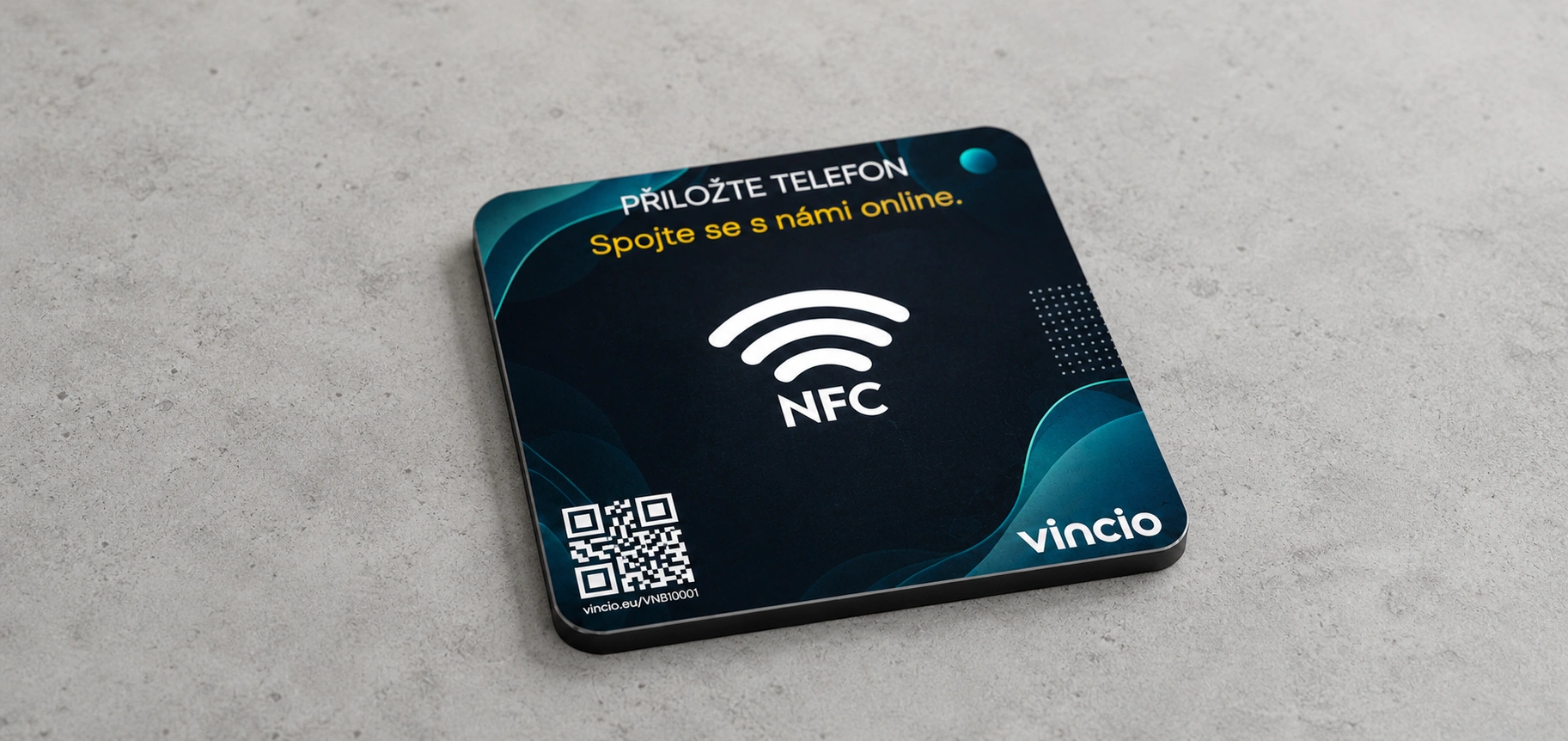
- Ask at the right moment, while the customer is happy and still with you. A Vincio NFC stand on the counter or table does it for you.
- Reply to reviews, including critical ones. It shows you care, and more people are then willing to write.
- Repeat the comparison once a month and watch whether the gap is closing.
Frequently asked questions
Everything about comparing Google reviews with competitors.
Is the review comparison free?
Yes. The comparison is free and needs no sign-up. Type your business name and town or paste a Google Maps link and you see the result in a few seconds.
Where do the ratings and review counts come from?
Straight from Google Maps. It is the same average rating and review count customers see on the business profile. We keep a result for at most 7 days, so the numbers can be a few days old.
How do you choose the competitors?
We take your main Google category, for example café, hairdresser or car repair, and find the 5 nearest businesses in the same category within 5 km. These are the businesses customers see in Maps right next to you.
How do you work out how many reviews I am behind the leader?
We work out how many new 5 star reviews would lift your average to the rating of the best rated competitor. Google shows the average rounded to one decimal place, so the result is approximate.
What matters more, the rating or the number of reviews?
Both. According to Google, the number of reviews and the average rating both affect local ranking. Customers also trust 4.6 from 300 reviews more than 5.0 from four. The goal is to get more new reviews than competitors and to collect them steadily.
How do I get more Google reviews than my competitors?
Ask for a review while the customer is happy and still with you. An NFC stand on the counter or table works best: the customer taps their phone and the star rating form opens straight away. Ask everyone the same way and never offer a reward, Google forbids that.
The wrong business came up?
Add the town or street to the name. The most precise way is to paste the business link from Google Maps: open the business in Maps, tap Share and copy the link.
Yesther free tool: Google review link and QR code. Where to put the stand is covered in Where to place a review stand.